Website Project Checklist: What I Need from You
To get started on your new site, I’ve put together this quick list of bits and pieces I’ll need. Don’t worry if you don’t have everything yet—just get over what you can, and we can chat about the rest.
1. The Essentials (Admin & Access)
-
Domain Name: Do you already own your website address (e.g., www.yourbusiness.co.uk)? If so, I’ll need the login details for where you bought it.
-
Hosting: If you have hosting sorted, please send over the login. If not, let me know and I can get this set up for you.
-
Company Details: Registered business name, UK address, and VAT number (if applicable) for your footer and contact page.
2. Brand & Visuals
-
Logo: Please send your logo in the highest resolution you have (SVG or PNG with a transparent background is best).
-
Colours: Do you have specific “brand colours”? If you have the “Hex codes” (e.g., #2d3e50), send them over. If not, just describe the “vibe” you’re after (e.g., “Professional Navy and Slate” or “Bright and Modern”).
-
Fonts: Are there specific fonts you use in your marketing? (Divi has hundreds built-in, so I can usually match your style perfectly).
-
Imagery: Any professional photos of your team, office, or products. If you don’t have these, I can source high-quality “stock” photos for you.
3. Content & Structure
-
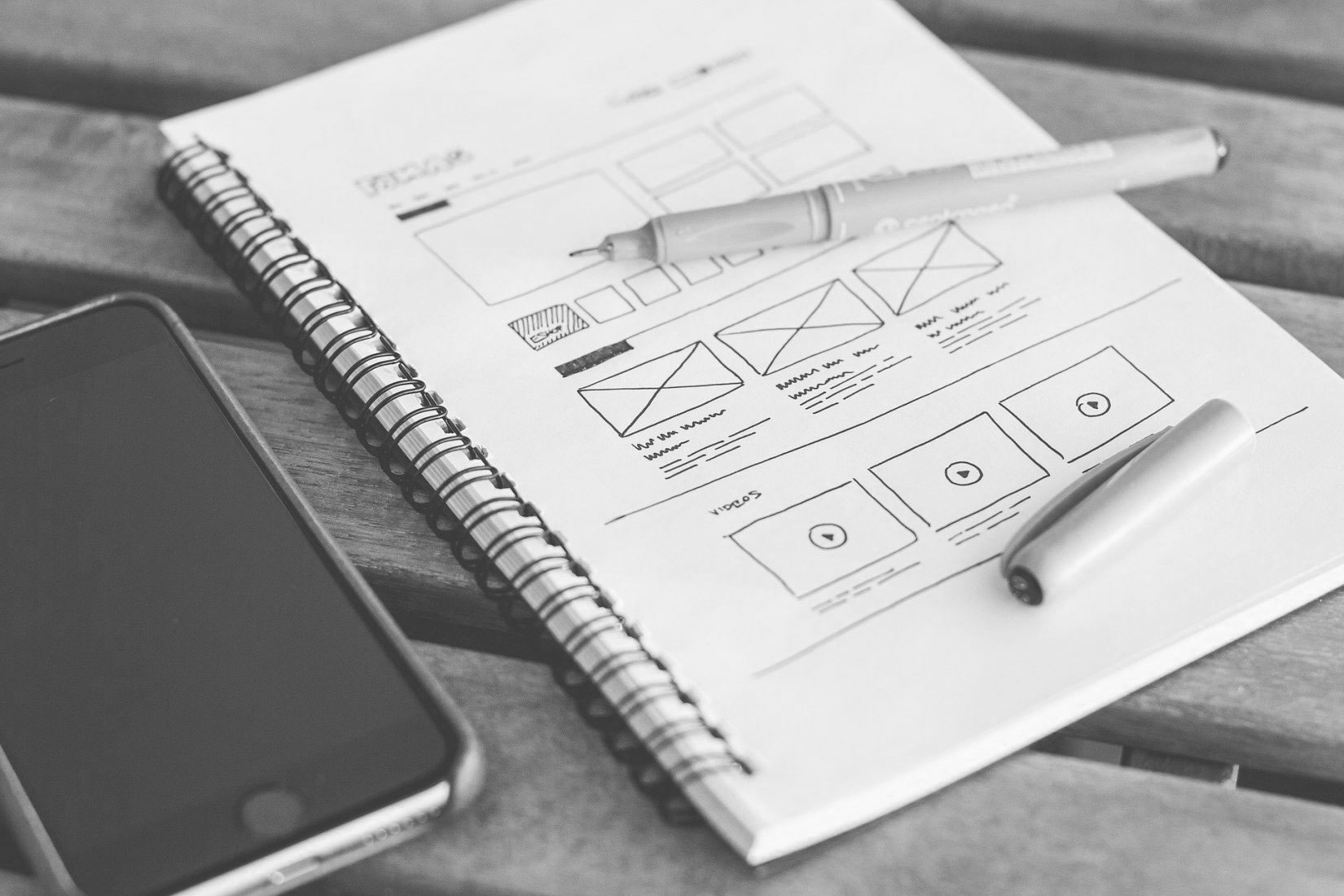
The Sitemenu: What pages do you definitely want? (e.g., Home, About, Services, Case Studies, Contact).
-
The Text (Copy): A rough draft of what you want to say on each page. Don’t worry about “web formatting”—I’ll handle the layout in Divi to make it readable.
-
Contact Info: Which email address should the website forms send to? Do you want a phone number or WhatsApp link displayed?
4. Features & Functionality
-
Social Media: Links to your Facebook, Instagram, LinkedIn, or X (Twitter) profiles.
-
Newsletter: Do you use Mailchimp or another email tool?
-
Special Features: Do you need a booking system, a blog section, or an online shop?
5. Inspiration (The “Look and Feel”)
-
Competitors: Links to 2 or 3 websites you actually like. Tell me what you like about them (e.g., “I love how clean the menu is” or “The big images look great”).
Nick’s Note: “Once I have these bits, I’ll begin the ‘Build’ phase. Because we’re using the Divi framework, I’ll be able to show you a live preview as we go, so you can see exactly how your brand is coming to life on WordPress.”